Made with Brains.biz

Every page is real.

No mockups. Every book here came out of the same flow you get when you sign in, with the same four files. Read one online, or download the files and check them properly.

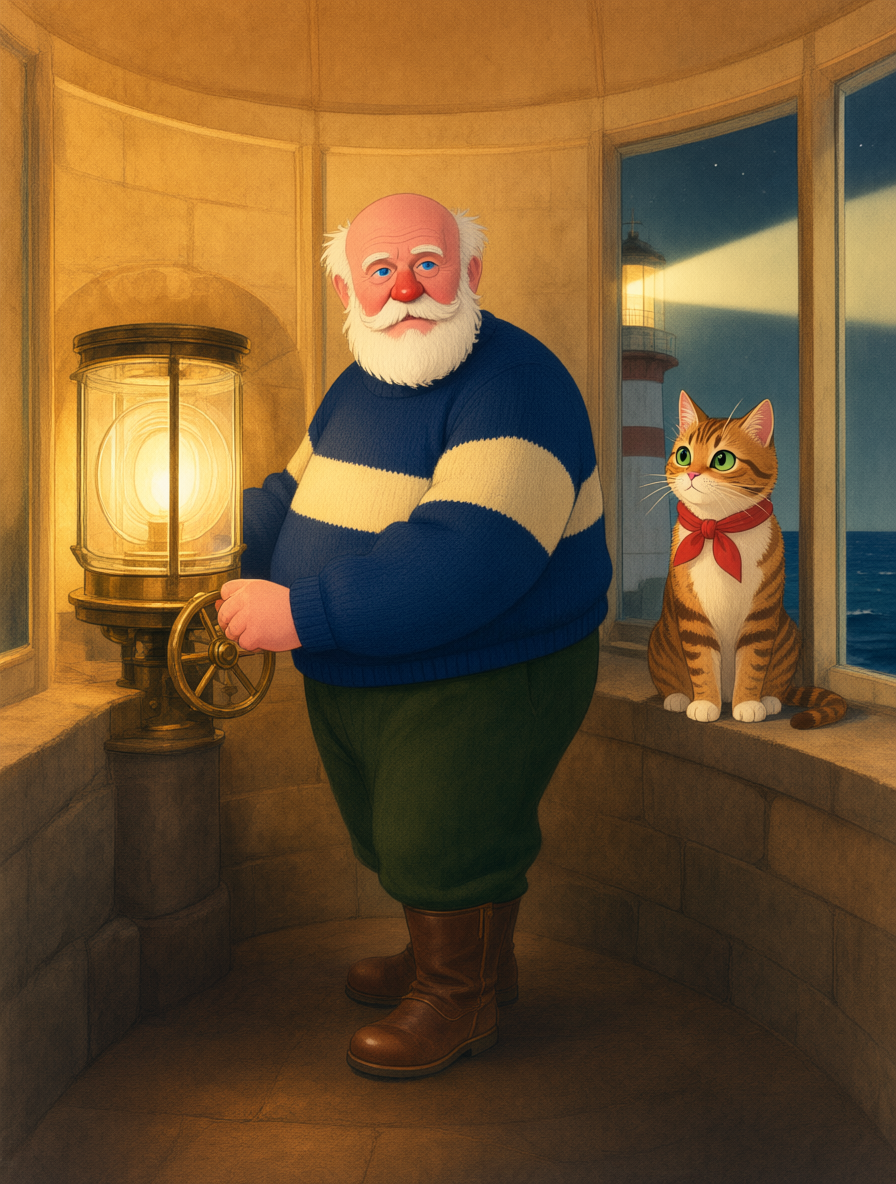
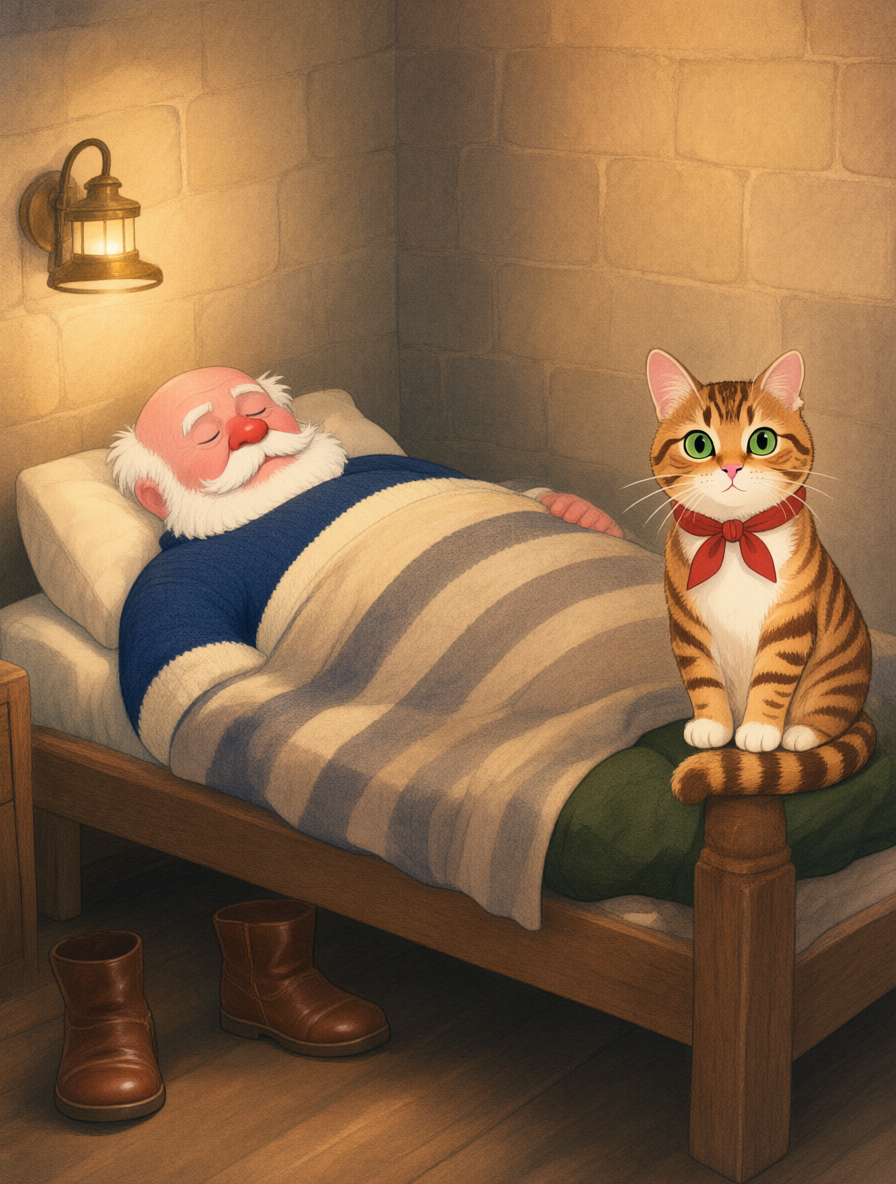
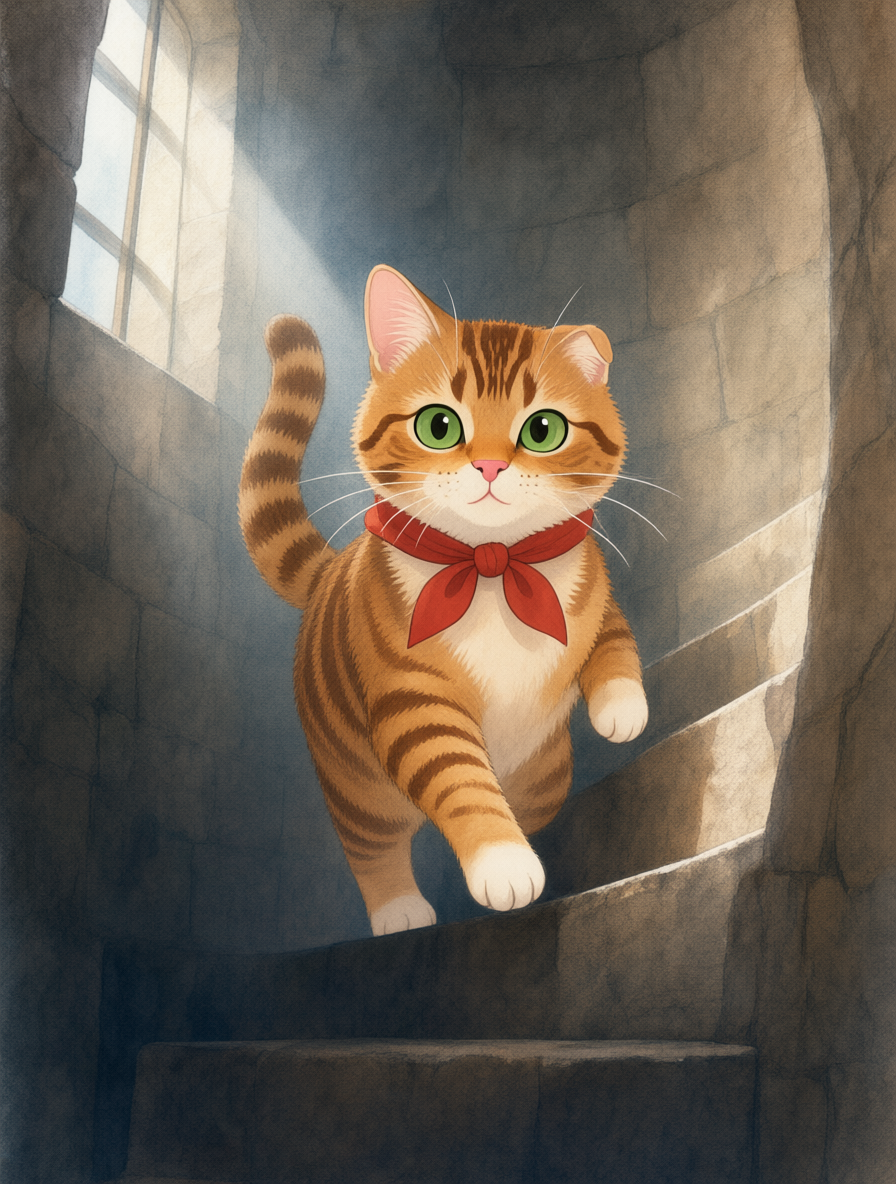
Picture book

The Lighthouse Keeper's Cat

A Gentle Bedtime Story About a Very Small Night Watch

A bedtime story about Tibbs, the lighthouse keeper's cat, who keeps the light turning through one foggy night and rings the bell that guides a boy in a yellow coat safely home.

14 illustrated pages 24 print pages
An inside page of The Lighthouse Keeper's CatAn inside page of The Lighthouse Keeper's CatAn inside page of The Lighthouse Keeper's Cat
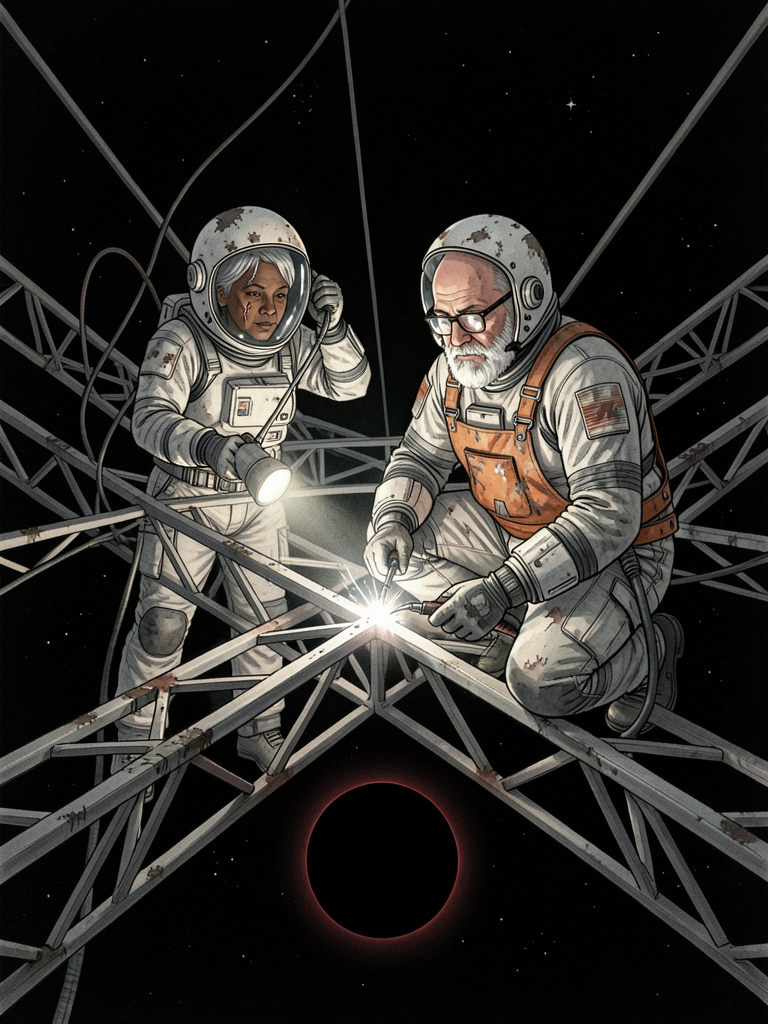
Novel

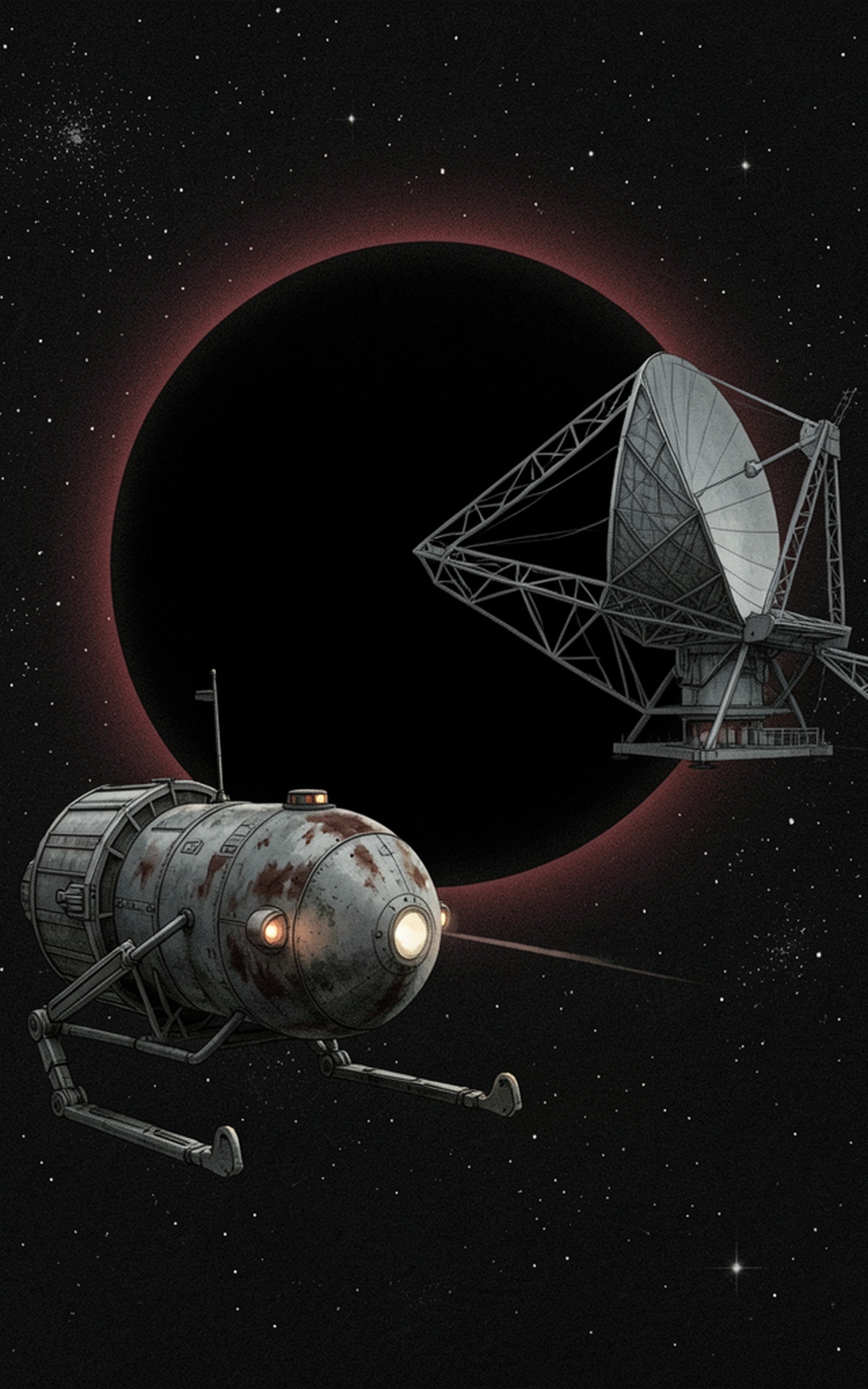
The Long Watch

A Novel of the Hesper Relay

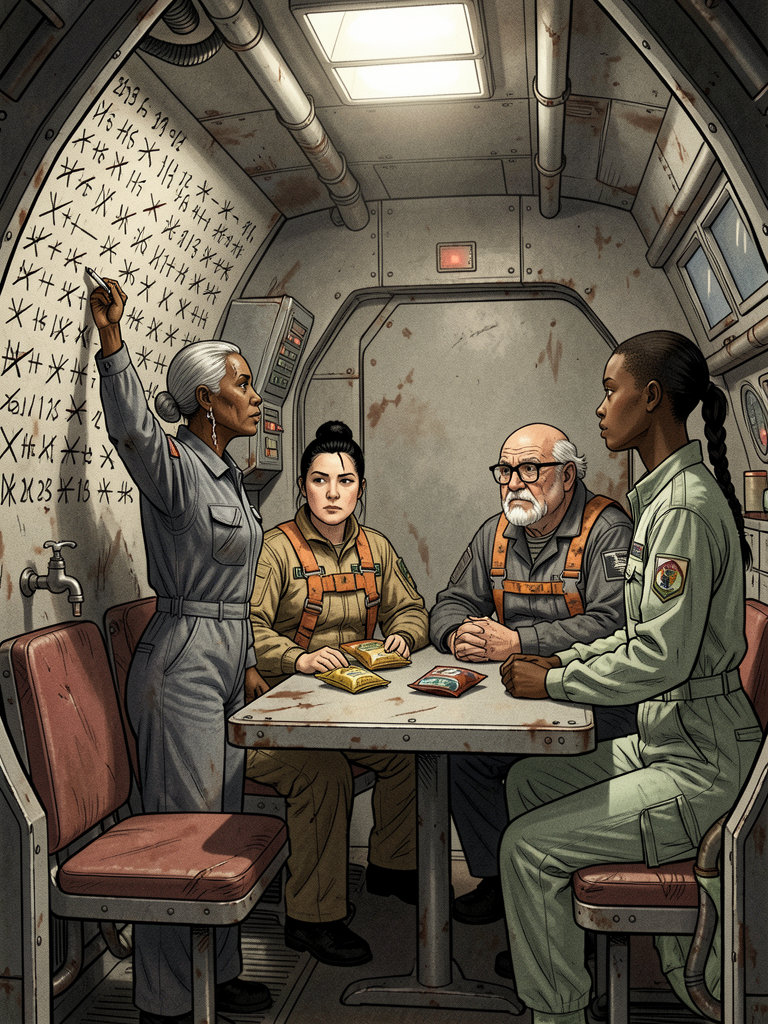
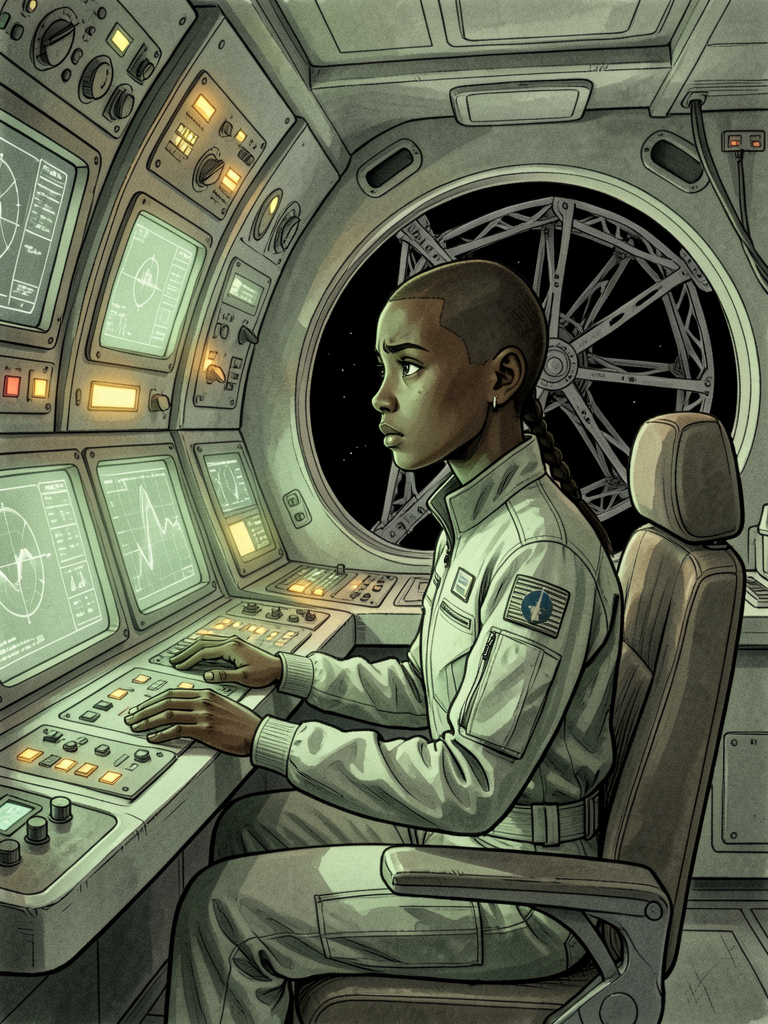
A short science-fiction novel about a repair crew holding station beside a dead star. Twelve chapters and 58 print pages, with ink-wash plates.

12 chapters 8 pictures 58 print pages
An inside page of The Long WatchAn inside page of The Long WatchAn inside page of The Long Watch
How-to guide

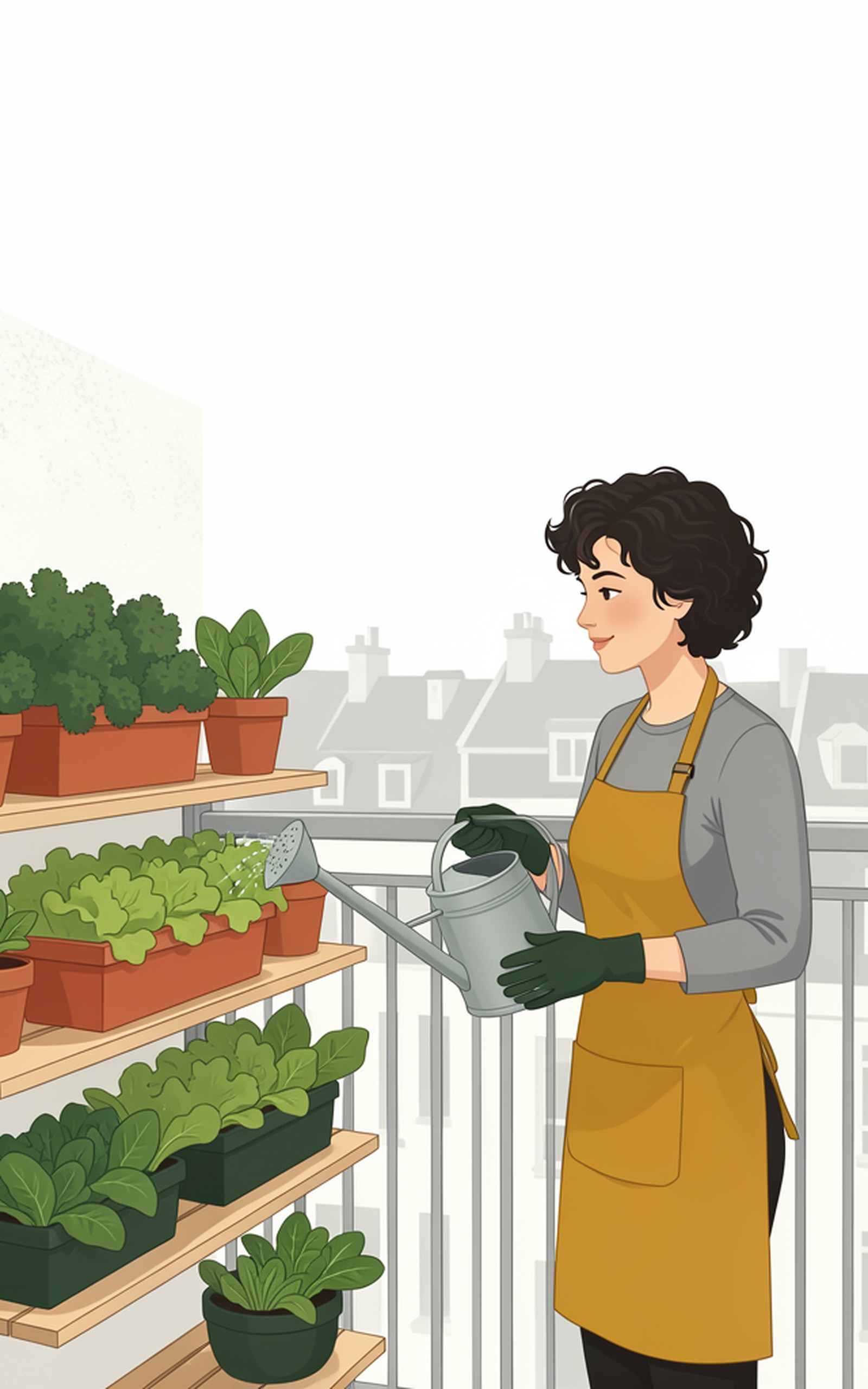
Shade Vegetables

Growing Leafy Greens and Herbs on a North-Facing Balcony

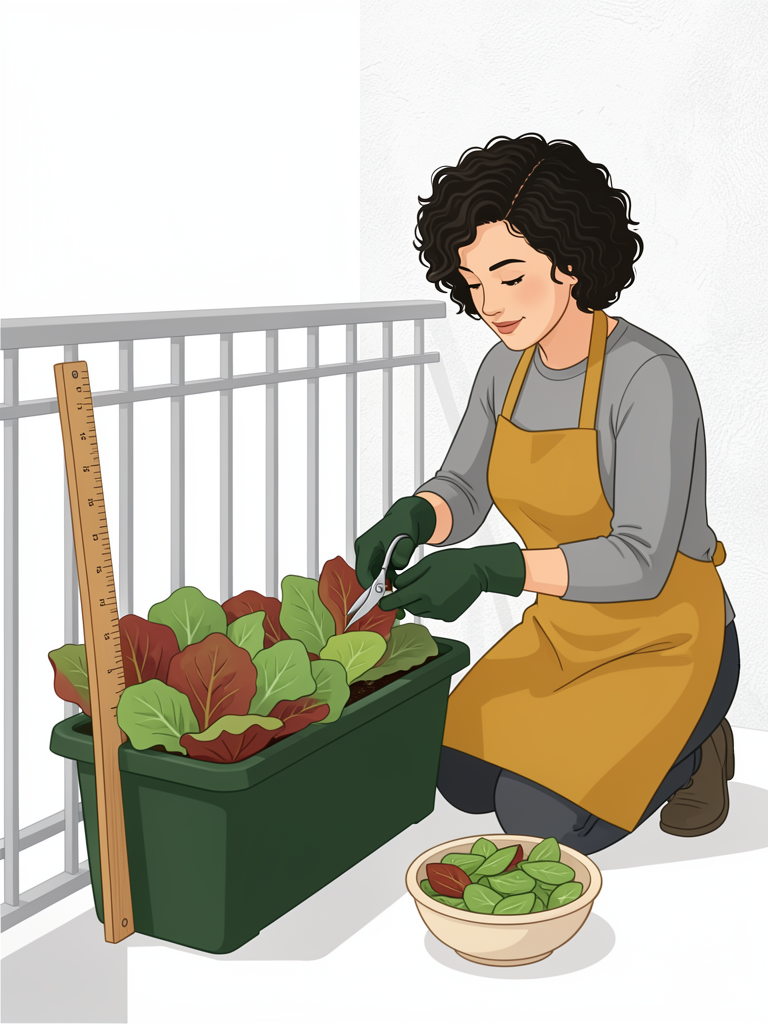
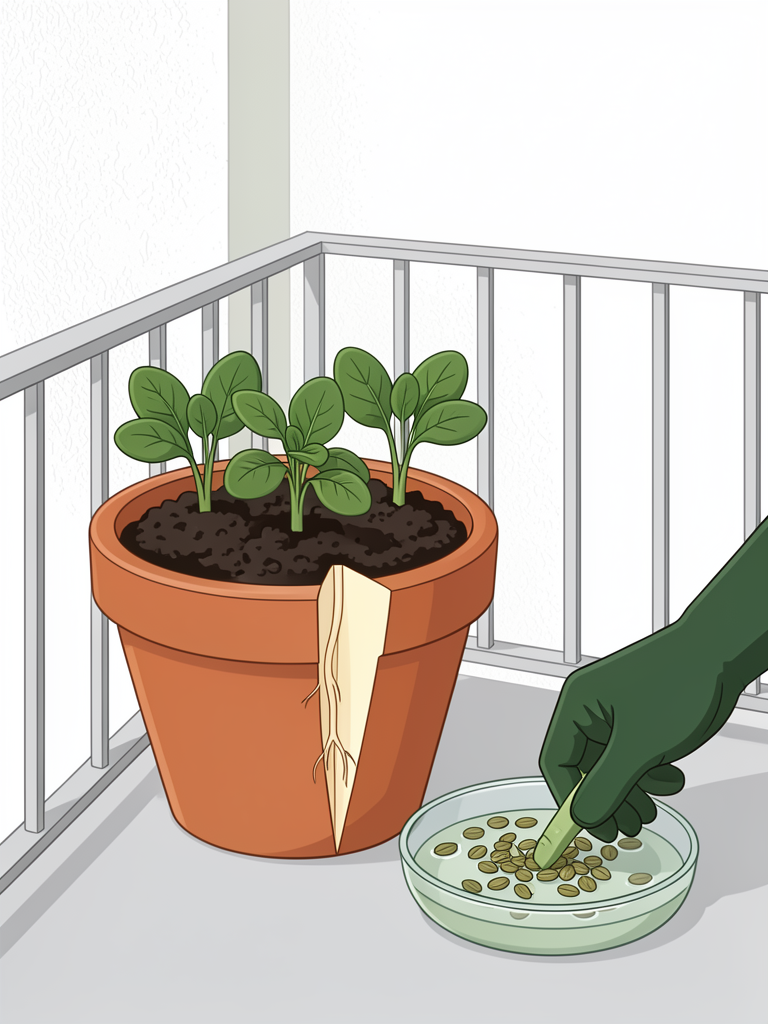
A practical guide to growing food on a balcony that never gets direct sun. Twelve chapters and 52 print pages, researched, written and illustrated end to end.

12 chapters 12 pictures 52 print pages
An inside page of Shade VegetablesAn inside page of Shade VegetablesAn inside page of Shade Vegetables
Coloring book

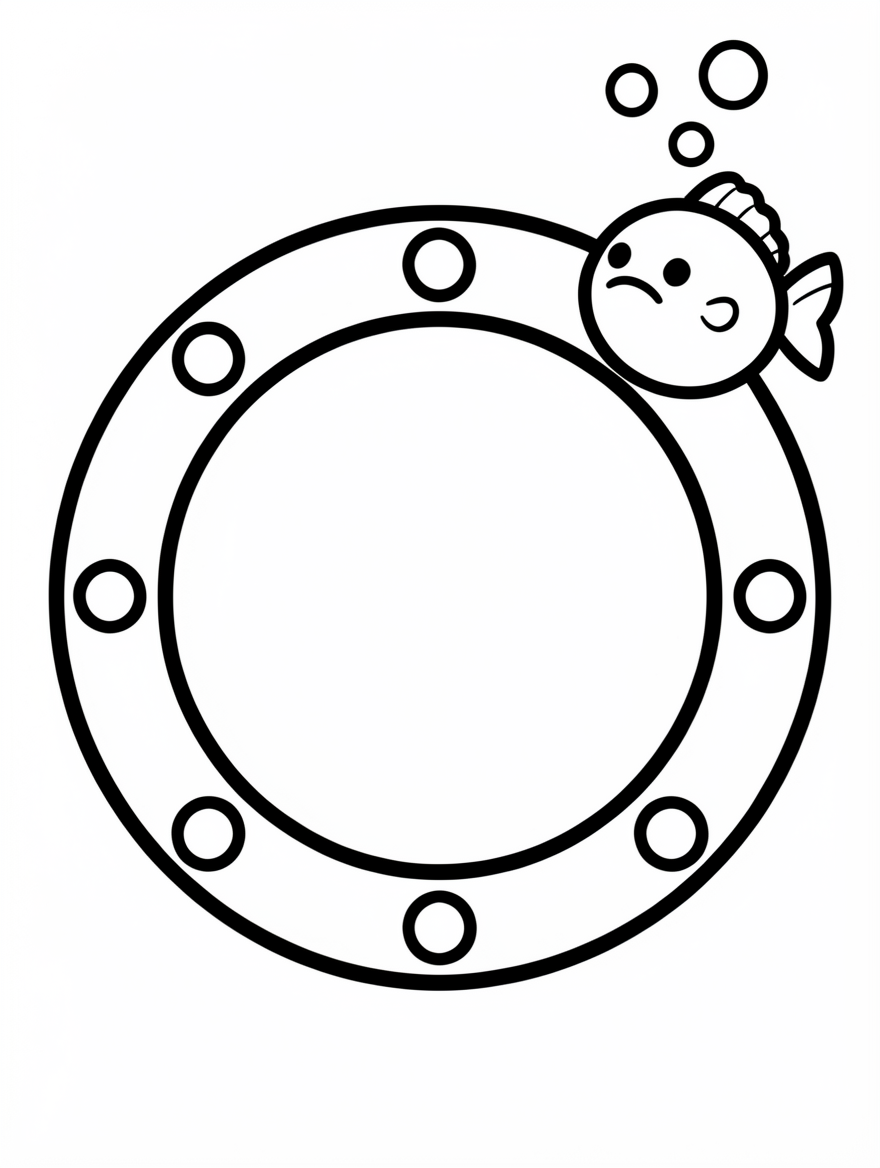
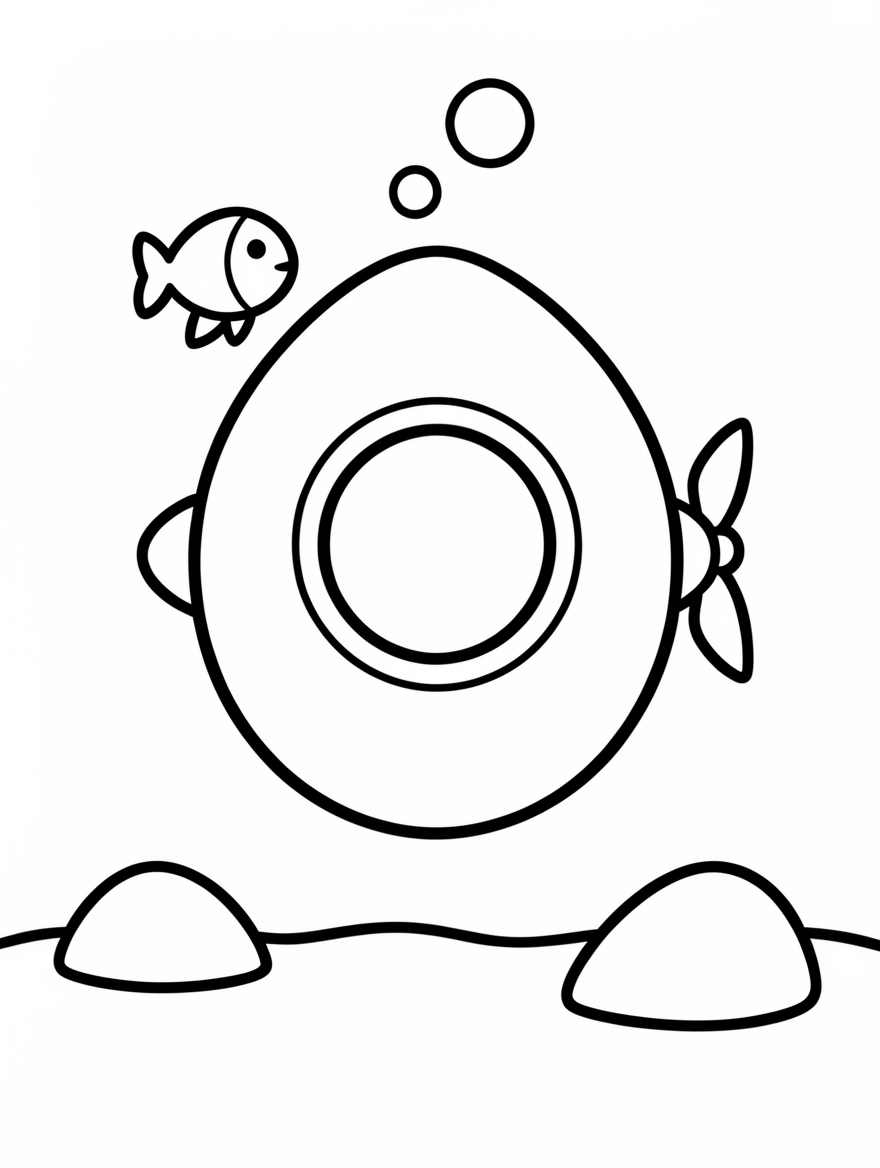
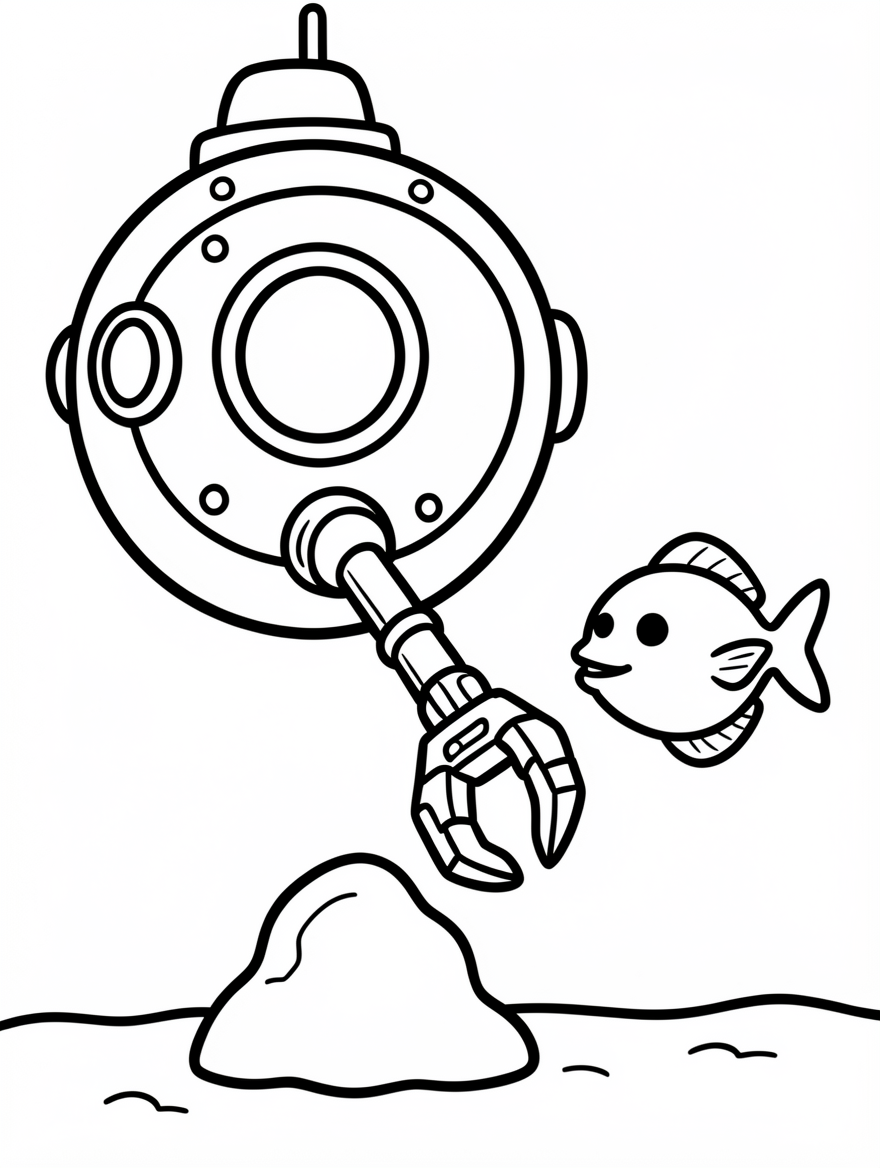
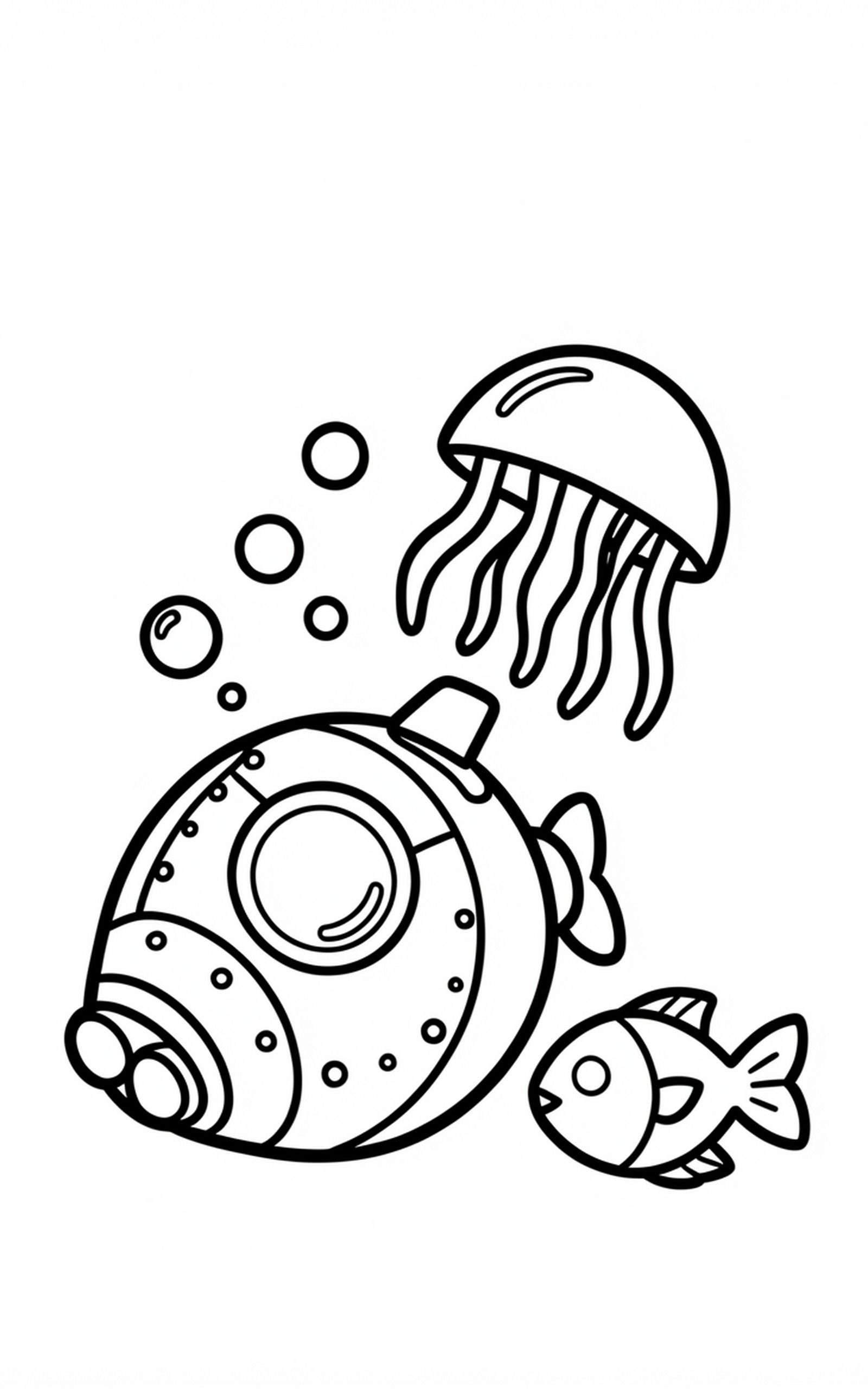
Deep Sea Machines

A Coloring Book of Submersibles, Seabed Crawlers, and Deep-Ocean Creatures

Twenty-four bold pictures of imagined deep-sea machines to color, one per right-hand page, so markers never bleed through. 51 print pages.

24 pictures to color 51 print pages
An inside page of Deep Sea MachinesAn inside page of Deep Sea MachinesAn inside page of Deep Sea Machines
New to KDP?

What are these four files?

Amazon KDP asks for different files depending on whether you are publishing a Kindle ebook or a paperback. Every book here comes with all four. Open one to see exactly where it goes.

EPUB the Kindle ebook

Where it goes: KDP → Create a Kindle eBook → Manuscript → Upload.

What it is: a standard EPUB 3 file. Each chapter is its own page, the illustrations are embedded inside the file, and it carries a table of contents a Kindle can jump around in. Text reflows, so it fits any screen and any font size the reader picks.

What you do with it: nothing. Upload it as is. Amazon converts it to its own format when you publish.

Open it locally with Apple Books, Calibre, or Amazon's Kindle Previewer.

Interior PDF the paperback insides

Where it goes: KDP → Create a Paperback → Manuscript → Upload.

What it is: every printed page of the book except the cover, laid out at the exact trim size you chose. The inner margin is wider than the outer one and swaps sides on left and right pages, so no text disappears into the spine. All fonts are embedded, which KDP requires and rejects books without.

Why the page count looks odd: a paperback must have an even number of pages and at least 24, so the exporter adds blank pages at the end to reach that. A short book will show a few blanks. That is normal and Amazon expects it.

This file is for print only. It is not the ebook.

Cover the Kindle ebook cover

Where it goes: KDP → Create a Kindle eBook → Cover → Upload your own cover.

What it is: a 1600 by 2560 pixel JPEG, the shape Amazon asks for on an ebook listing. It is the image shoppers see as the thumbnail.

What it is not: this is not the paperback cover. A paperback needs one wide sheet covering back, spine and front at once. That is the separate Print cover file below.

Print cover the paperback wrap cover

Where it goes: KDP → Create a Paperback → Cover → Upload a cover you already have.

What it is: one PDF that holds the back cover, the spine and the front cover side by side, the way the sheet is printed and folded around the pages. The front is the same picture as the ebook cover. The back carries the title, the author and the book description on a colour taken from that picture.

Why it is sized to this book: the spine has to be exactly as thick as the pages inside, so the sheet width depends on the page count and the paper. The exporter builds the cover after the interior, from that page count. Change the book and rebuild, and the cover changes size with it.

The white box: the bottom right of the back cover is left white on purpose. KDP prints the barcode there. Books under 80 pages get a blank spine, because KDP prints no spine text on a spine that thin.

Open it in any PDF viewer. It looks wide, because it is three panels in one.

Make one of your own.

Free, complete, and watermarked so you can judge it honestly.

Make my first book free →